Choose an ACE COMBAT 8 wallpaper by its actual pixel dimensions and aspect ratio, then check the crop in your device's wallpaper preview before applying it. A landscape image can work well on a desktop but lose most of its composition on a tall phone screen. A file labeled 4K in a search result is not enough: confirm the dimensions of the downloaded file, rather than the dimensions of a thumbnail or an enlarged preview.
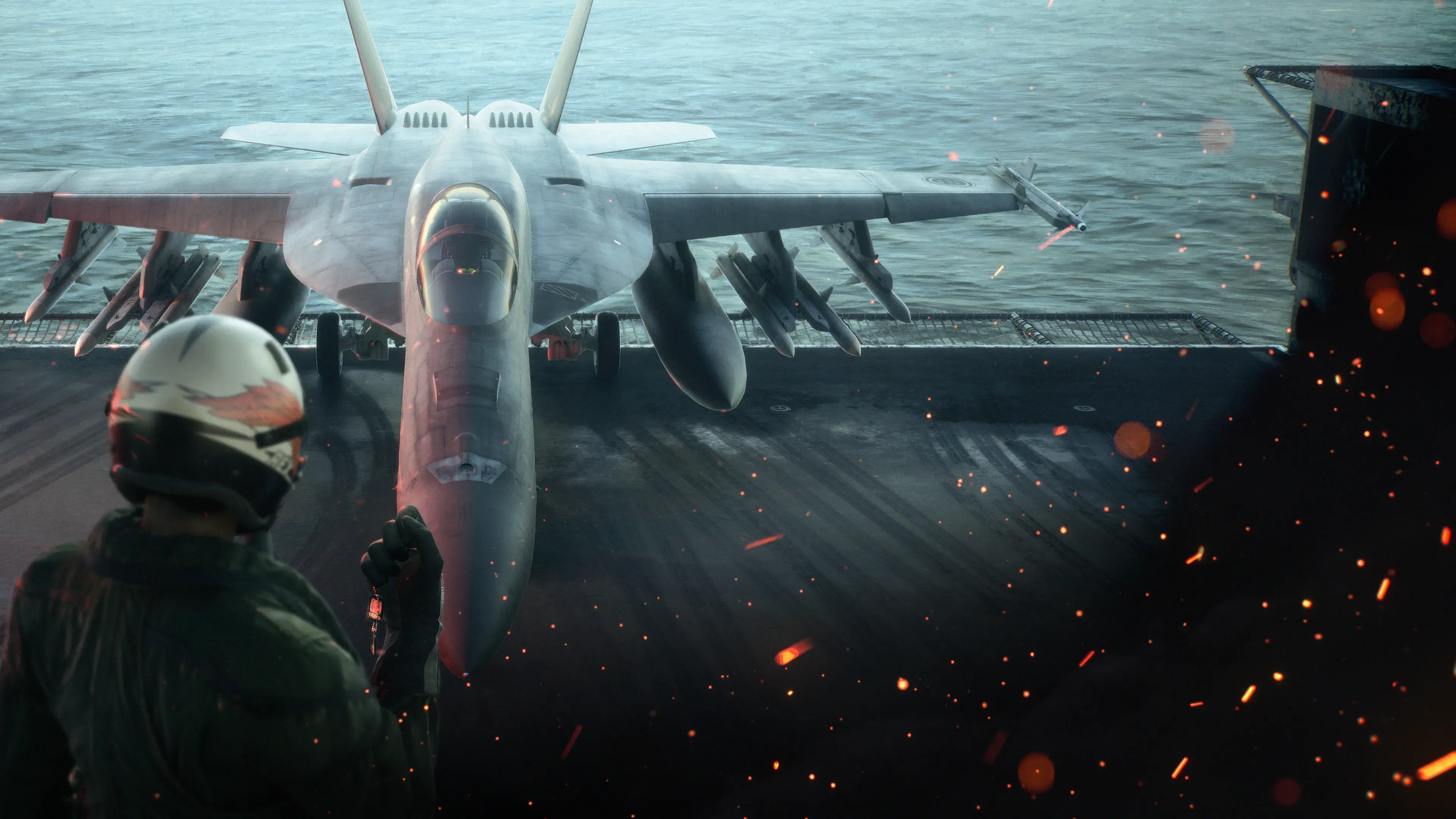
This page provides two carrier key-visual downloads already hosted on this site and explains the official wallpaper formats available for WINGS OF THEVE. The carrier landscape file is 3840 × 2160 pixels; the portrait file is 1500 × 2342 pixels. The article illustration is a compressed, resized preview. Use the explicit download links when you want the files with the dimensions listed below.
Download the carrier key visual
The two files show the same carrier-deck artwork in different compositions. The landscape version leaves room around the aircraft and pilot, while the portrait version emphasizes the aircraft's nose and cockpit. Choose the composition that fits your screen and the placement of your icons or clock.
| Download | Actual hosted dimensions | Shape |
|---|---|---|
| Carrier landscape wallpaper | 3840 × 2160 pixels | 16:9 landscape |
| Carrier portrait wallpaper | 1500 × 2342 pixels | Portrait, approximately 0.64:1 |

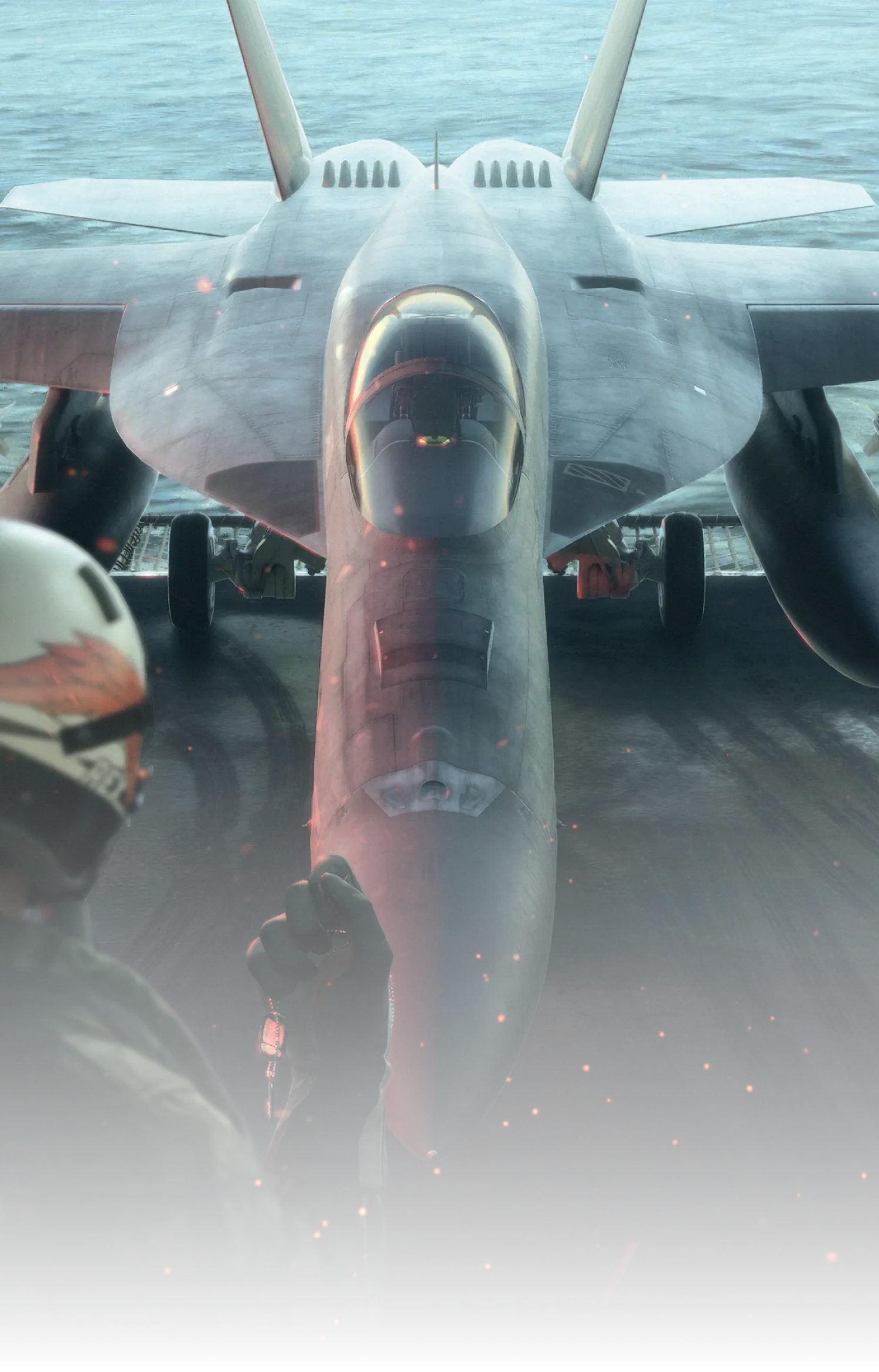
Open the link for the version you want, save the image file through your browser's image or download action, and check the saved file's dimensions. The exact command wording depends on the browser and device. The landscape file's dimensions match a 3840 × 2160 display. The portrait file has a different ratio from many tall phone screens, so expect to adjust the crop rather than assuming it will fit every phone without trimming.
These are static image files. They are not animated wallpapers, a Wallpaper Engine project, or an installer. Saving an image does not require running an executable. If a download result offers a software package instead of the image you expected, stop and check that you selected the intended item.
Find the official wallpaper formats
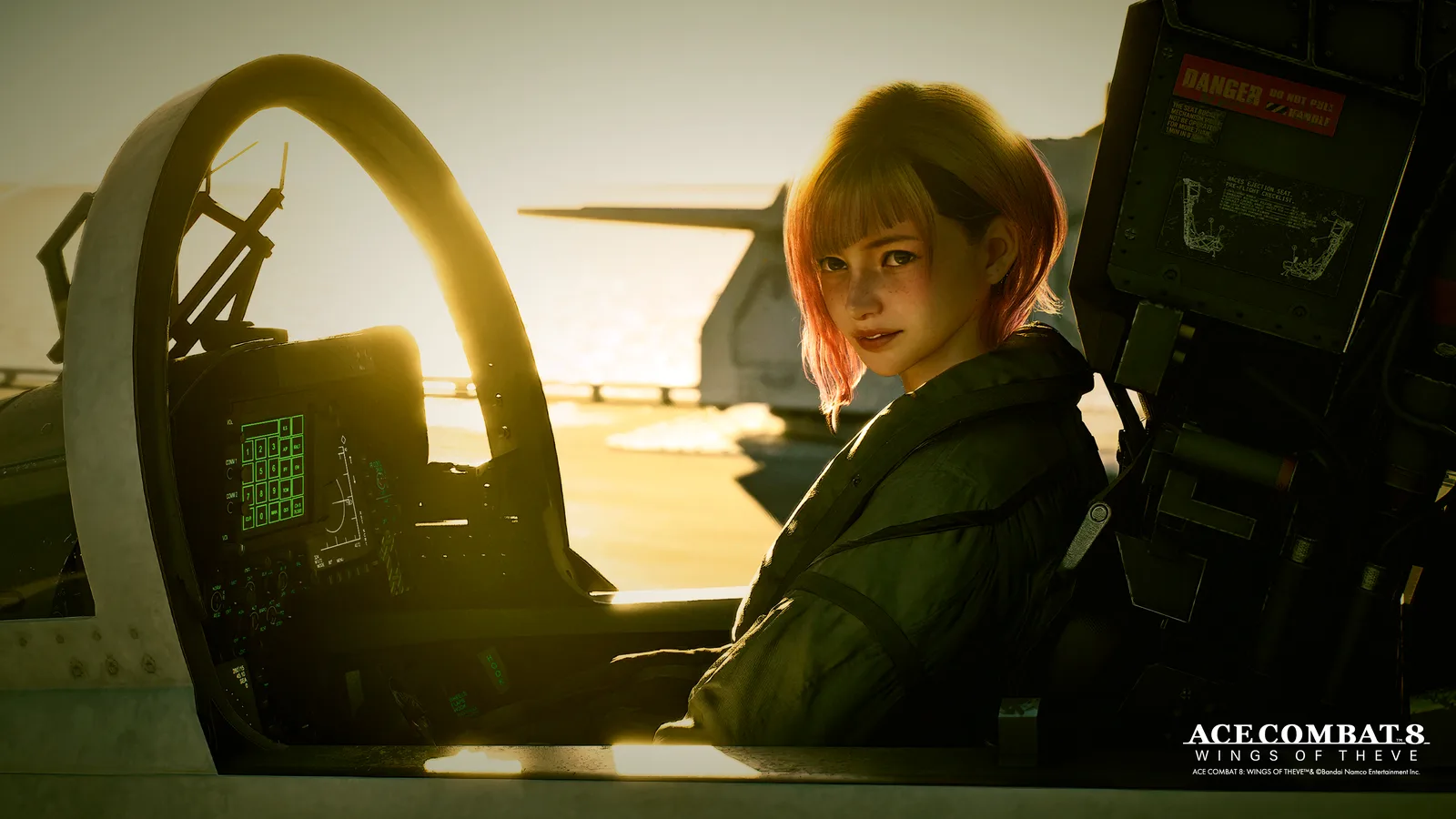
Landscape composition from the official 3840 × 2160 download, shown here as a resized preview.
The official ACE COMBAT series portal has a WALLPAPER section. Its ACE COMBAT 8 OVER 1 MILLION SOLD WORLD WIDE entry provides several shapes and resolutions for the same celebration artwork. Pick the entry explicitly named for ACE COMBAT 8, because the portal also contains wallpapers for earlier games and series anniversaries.
| Officially listed option | Useful starting context |
|---|---|
| 1242 × 2688 | Tall phone wallpaper |
| 1280 × 1024 | 5:4 desktop display |
| 1600 × 1200 | 4:3 display |
| 1920 × 1080 | 16:9 desktop display |
| 1920 × 1200 | 16:10 desktop display |
| 2048 × 2732 | 3:4 portrait tablet layout |
| 3440 × 1440 | Ultrawide desktop display |
| 3840 × 2160 | 16:9 UHD desktop display |
| Square | Square layout, with dimensions to check after downloading |
The table describes options listed for that specific official artwork. It is not a claim that every ACE COMBAT 8 image is available in every size. The square option is named without a numeric dimension in the listing, so check its downloaded file instead of assigning it an invented resolution.
A separate official New Year announcement offers an exclusive wallpaper with a DOWNLOAD action. That provides another way to obtain artwork associated with WINGS OF THEVE. Keep the actual downloaded file and its properties in view: an article preview and the file behind DOWNLOAD can be different sizes.
Match aspect ratio before comparing resolution
Aspect ratio describes the relationship between width and height. A 3840 × 2160 image and a 1920 × 1080 image both have a 16:9 ratio, even though one has twice as many pixels in each direction. They fit the same shape of screen, while providing different amounts of detail.
A 1920 × 1200 display has a 16:10 ratio. Using a 16:9 image there can either leave unused space or require cropping, depending on the display mode you choose. Similarly, a 1280 × 1024 display is 5:4, not 4:3. The separate official formats are useful because they can preserve a composition that would otherwise need adjustment.
For a simple check, divide the image's width by its height and compare that number with the same calculation for your display. Matching values mean the shapes match. Different values mean that filling the whole display requires a crop or stretch. Stretching changes the proportions of the aircraft and people, so prefer a crop or a fit mode that preserves the image's shape.
Resolution matters after that shape check. A correctly shaped file with too few pixels may still look soft when enlarged. Conversely, a very large landscape file can still be a poor phone wallpaper if the crop removes the subject. Start with composition and ratio, then choose enough pixels for the screen you intend to fill.
Use a portrait composition on a phone
The official 1242 × 2688 option is designed as a tall portrait composition. It gives you a more appropriate starting shape for a phone than a wide desktop image. Your phone may still have a different ratio, however, and the operating system can position or zoom the wallpaper to accommodate the lock screen and home screen.
Before confirming, inspect the preview with the clock, notifications, and icons visible where possible. A face or aircraft canopy can be hidden by a large clock even when the underlying image fits the screen perfectly. Move the crop so the main subject remains readable without placing every important detail directly behind interface elements.
If you use the carrier portrait download on this page, remember its actual size is 1500 × 2342. On a taller display, filling the screen can trim its sides. The landscape carrier image would need a much narrower crop to fill the same phone, potentially removing the pilot or much of the aircraft. Choose intentionally between those compositions rather than judging only by which file has the larger width.
Keep the original downloaded image before experimenting with a crop. Work on a copy if you edit the file yourself. That lets you return to the full composition if the first crop cuts off a detail or looks different once it is placed behind the lock-screen interface.
Choose an ultrawide file for an ultrawide display
The official 3440 × 1440 option is a better starting point for that display shape than a 16:9 image. Filling an ultrawide screen with a 16:9 composition generally means trimming the top and bottom. That can change the balance between the aircraft, sky, and text in the artwork.
Use the dedicated wide composition when it is available for the artwork you want. Then check how it looks with your desktop layout. A subject placed at the center can be prominent but may sit behind a row of shortcuts. A composition with quieter space at one side can work better if you keep icons there.
Multiple monitors introduce another choice: show the same wallpaper independently on each screen, or use a spanning layout. A single 3440 × 1440 file is not automatically the correct size for the combined area of two displays. Add their widths and consider their heights before assuming that a wide file will cover the entire arrangement without enlargement or cropping.
If the screens have different resolutions or vertical alignment, a spanning preview may cut the image differently on each display. Review the actual result across the screens rather than relying on the thumbnail shown in a settings panel. The goal is a usable composition, not simply selecting the widest file in the list.
Save the image file rather than a page thumbnail
A wallpaper page can contain several images: a thumbnail, an article banner, and a linked download. Saving the first small picture you see can give you a file that looks acceptable in the browser but becomes visibly soft as a full-screen background. Follow the size-specific download or explicit DOWNLOAD action for the artwork you selected.
After saving, check three things: the image opens normally, its width and height match the expected file, and its composition is the one you wanted. A filename alone does not prove the dimensions. An image can be resized while retaining a name that includes a larger resolution.
On this page, the two carrier download links open the hosted files listed in the table. The article's celebration illustration is a preview of the official landscape composition. Do not use the displayed width of an illustration as proof of its original download resolution, and do not assume a preview becomes more detailed because you zoom the browser.
If the saved file has a much smaller size than expected, return to the original download choice. Avoid repeatedly saving and recompressing the small copy, because that does not restore detail that was absent from the file. Keep a clean original and make any device-specific crops from that version.
Apply the wallpaper with a suitable fit mode
Desktop wallpaper settings commonly offer ways to fill the screen, fit the full image, center it, or stretch it. The exact labels vary by device, but the tradeoff is straightforward. Filling preserves proportions while cropping some content. Fitting preserves the whole composition while potentially leaving borders. Stretching fills the shape by changing the image's proportions.
Start with a mode that preserves the proportions. If the crop removes something important, try fitting the full image or select a file closer to the screen's ratio. A small border may be preferable to cutting through an aircraft or distorting a face. Use the actual desktop view to judge the result, because a small preview can conceal these problems.
For a phone, inspect both the lock screen and home screen if you intend to use the image in both places. The interface elements differ, so a crop that works behind a clock may not work behind app icons. Apply separate compositions if your device supports that and if the artwork benefits from it.
If an image looks soft, compare the saved file's dimensions with the display's dimensions. If it looks oddly shaped, check whether it has been stretched. If the subject is missing, check the crop. Those are three different problems with different solutions, and changing the wallpaper file at random can make them harder to distinguish.
Keep the artwork's identity and use clear
The series portal includes ACE COMBAT 7, Infinity, Zero, and other game-specific wallpapers alongside ACE COMBAT 8 material. Check the title attached to the download. A visually similar aircraft or a familiar series logo does not establish that an image depicts WINGS OF THEVE.
The files and format options here help you choose a static background for your own screen. This page does not grant a commercial reuse license, remove the original creator's rights, or establish permission to sell the artwork. Keep any attribution or rights markings included in the original file when preparing a personal crop.
Your setup is complete when the correct image is saved, its actual dimensions are understood, and the applied crop keeps the subject visible around your desktop or phone interface. Retain the original file so you can adapt it again if you change devices, screen orientation, or the position of your icons.