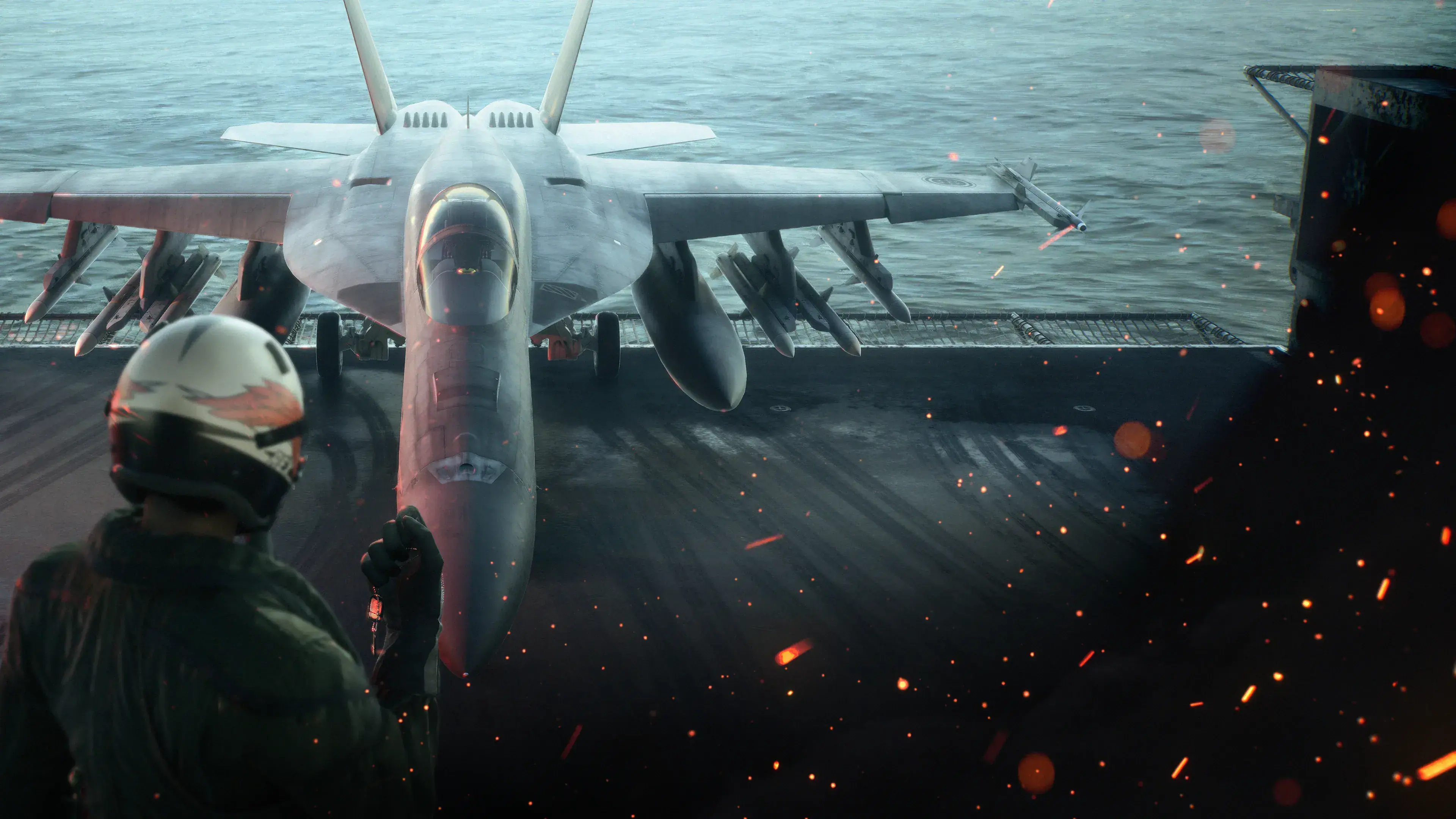
ACE COMBAT 8: WINGS OF THEVE has a dedicated PS5 version with a single-player campaign, optional online play, Remote Play support, DualSense vibration and trigger effects, and a PS5 Pro Enhanced label. The Standard Edition contains the game; the Deluxe Edition adds a cosmetic set and a PREMIUM ACE PASS PLUS voucher. You need PlayStation Plus for online play, but not for the single-player campaign.
The most important limitation is storage planning: the official PS5 listing does not state an installation size. Do not plan around an unverified community estimate. Check the size displayed by your console before downloading and leave additional room for installation and updates.
PS5 support at a glance
| PS5 feature | Confirmed support |
|---|---|
| Platform | PS5 version |
| Local play | One player |
| Online play | Optional, with up to eight players in a match |
| PlayStation Plus | Required for online play |
| Cross-platform play | Supported in ACE COMBAT ONLINE |
| Remote Play | Supported |
| DualSense | Vibration and trigger effects supported |
| PS5 Pro | Listed as PS5 Pro Enhanced |
| Voice languages | English and Japanese |
| Screen languages | Simplified Chinese, Traditional Chinese, English, French, German, Italian, Japanese, Korean, Polish, Brazilian Portuguese, Russian, Spanish, and Latin American Spanish |
| In-game purchases | Optional |
The campaign is a story-driven arcade flight shooter built around air-to-air combat, attacks on ground and naval targets, aircraft selection, special weapons, upgrade parts, and wingman commands. It is not a four-player cooperative campaign. Cooperative play belongs to the separate ACE COMBAT ONLINE mode.
That separation matters when choosing how to play. You can treat the PS5 release as a complete single-player purchase and ignore online features, or add PlayStation Plus when you want multiplayer. Buying the game does not itself provide the PlayStation Plus subscription required for online sessions.
Standard and Deluxe Edition differences
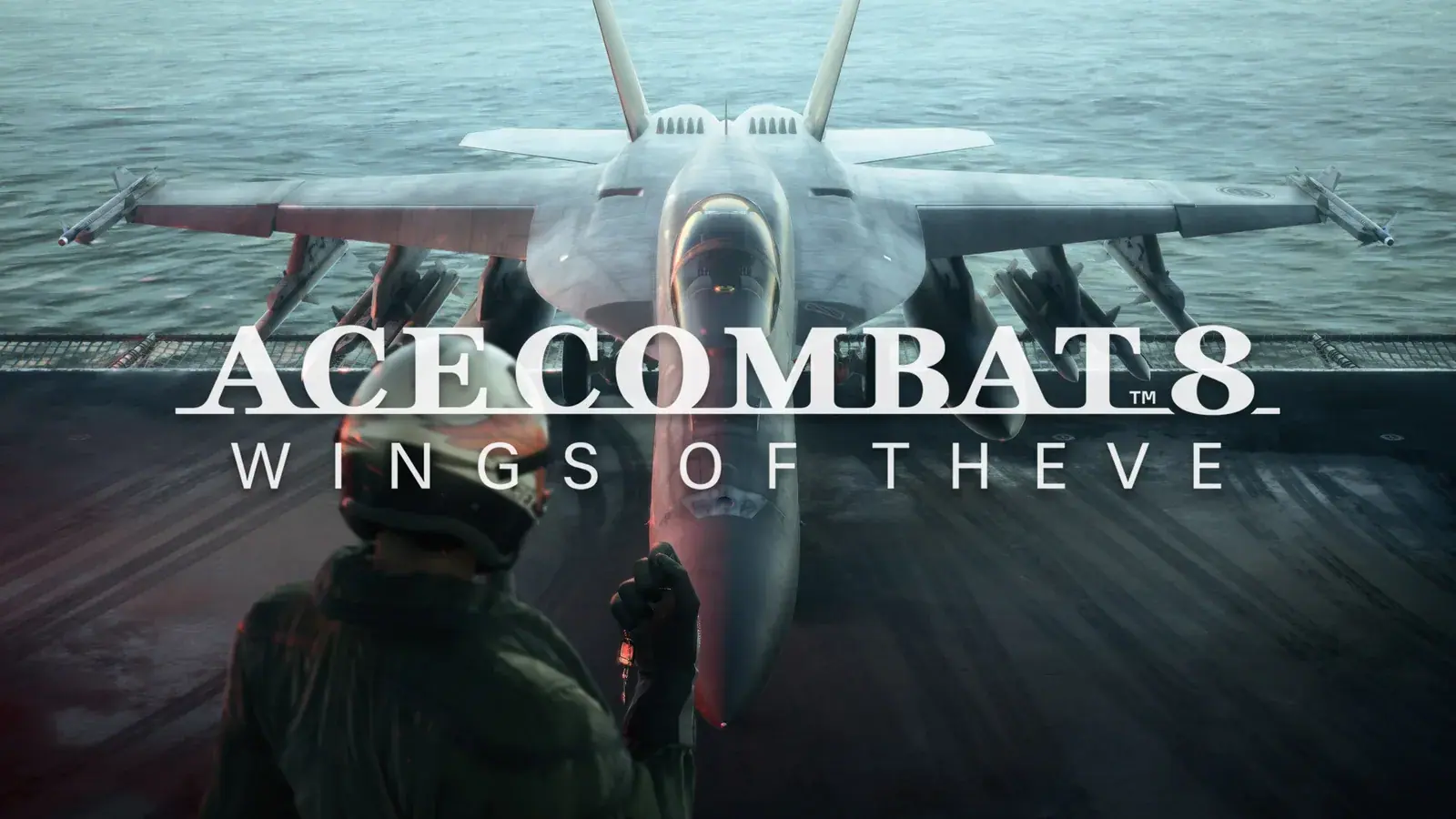
The Standard Edition is the direct choice if you primarily want the campaign or simply want access to the base online mode. It contains ACE COMBAT 8: WINGS OF THEVE without the Deluxe Edition extras.
The PS5 Deluxe Edition adds a customizable cosmetic set and a PREMIUM ACE PASS PLUS voucher. Check those package names against your PlayStation receipt when confirming ownership or missing content.
The voucher is separate from PlayStation Plus. PlayStation Plus enables online play on PS5; PREMIUM ACE PASS PLUS is an in-game seasonal reward entitlement with a 30-level skip. Buying Deluxe does not replace the console subscription required for online sessions.
The Deluxe voucher covers one season and can be saved for a later season. Decide which season you want before redeeming it. Some cosmetics are online-only, while the included aircraft skins require campaign completion before campaign use. A missing item may therefore be a mode or progression restriction rather than a download fault.
For the complete item list, voucher benefits, and campaign restrictions, see the Deluxe Edition guide.
The former early-access period has ended. Compare current contents, and check which edition is already attached to your PlayStation account: the official listing warns against duplicate purchases.
Installing and launching the PS5 version
Use the PS5 product listing and confirm that the selected item says “PS5 Version” before purchasing or downloading. If both Standard and Deluxe offers appear, compare the included-content list rather than relying only on the edition artwork.
A safe installation path is:
- Select the edition you actually want and verify the purchasing account.
- Review the download size shown by the console instead of using an unofficial fixed number.
- Make enough free space for the displayed download plus installation and update headroom.
- Allow the game and its current update to finish before judging whether a mode or purchased item is missing.
- Start Campaign Mode if you want to play without PlayStation Plus.
- Confirm an active PlayStation Plus subscription before entering ACE COMBAT ONLINE.
- If you bought Deluxe, decide which season should receive the PREMIUM ACE PASS PLUS voucher before redeeming it.
The PlayStation listing permits the game to be downloaded and played on the main PS5 associated with the purchasing account through Console Sharing and Offline Play. It can also be used on another PS5 while that account is signed in. This account rule is separate from campaign and online progression inside the game.
If expected Deluxe content does not appear, first confirm that you downloaded the correct edition and that the relevant content is intended for the mode you opened. Some cosmetics are online-only, while the two aircraft skins have a campaign completion condition. Those restrictions can look like a failed installation when the content is actually installed but not yet eligible in that mode.
DualSense, Remote Play, and PS5 Pro support

Fighter aircraft flying in formation above the clouds.
The official PlayStation listing confirms DualSense vibration and trigger-effect support. These features are part of the PS5 version’s advertised platform support, so begin with them enabled if you want the controller feedback designed for the game. If stronger trigger resistance or vibration makes precise inputs uncomfortable, reducing those effects is a preference adjustment, not a requirement for successful flying.
Remote Play is also supported. That confirms compatibility with PlayStation’s remote-play feature, but it does not guarantee that every network will provide the same latency or image quality. Air combat depends on quick corrections, target changes, and weapon timing, so use a stable connection and compare Remote Play with direct console play before choosing it for difficult missions or online matches.
The title is officially labeled PS5 Pro Enhanced. The official PlayStation listing does not define a resolution target, frame-rate target, or a specific PS5 Pro enhancement mode. Treat “PS5 Pro Enhanced” as confirmation that the version has Pro-specific support, not as proof of a particular numerical performance result. Review the current in-game display options on your own console rather than assuming settings from a standard PS5 or from an older review build.
The same caution applies to televisions and monitors. Choose settings that preserve clear target tracking and responsive control on your display. That is practical setup advice, not a guarantee that one configuration will produce the same result for every screen or mission.
Campaign and ACE COMBAT ONLINE on PS5
A third-person combat view shows a fighter above a coastal city.
Campaign Mode is the single-player route. You select aircraft and loadouts, fly story missions, issue commands to three wingmen, earn MRP, and unlock equipment. First-person story scenes aboard the Endurance connect the missions, while the sorties cover aerial, ground, naval, and large-target combat.
ACE COMBAT ONLINE is a separate multiplayer experience with its own save data and progression. Campaign aircraft, currency, and unlock progress do not automatically become an online fleet. Although the online and campaign rosters cover the same aircraft, online aircraft must be acquired through rewards earned as a mercenary pilot in that mode.
The main online choices include:
- Co-Op Assault: two teams of four attack NPC forces and compete for the higher mission score.
- Co-Op Warfare: two teams of four fight each other while air, ground, and naval NPC units remain active.
- Scramble: four players cooperate against powerful NPC ace forces.
- Emergency Sortie: up to eight players cooperate against major superweapons.
Scramble and Emergency Sortie can appear for a limited time while playing the two core modes. Their presence does not turn the story campaign into cooperative play. The online Air Base can hold more players as a social hub, but the PS5 store’s gameplay listing supports up to eight online players in an active match.
Online play also supports cross-platform participation. That expands the available pilot pool, but it does not remove the PS5 requirement for PlayStation Plus. If your only goal is the campaign, neither cross-play nor an online progression pass is necessary.
The game offers optional purchases but does not include paid loot boxes or randomized paid rewards. Available rewards can be viewed before purchase. Aircraft included in a PREMIUM ACE PASS are planned to become separately purchasable after their corresponding season, so the pass is not the only announced long-term route to those aircraft.
A practical first-launch setup
The PS5 version supports both newcomers and returning pilots, but the opening experience is easier if you configure the game around readable information and deliberate practice.
- Set voice and screen language separately. English and Japanese voices are available, while the interface and subtitles support a wider language list. During combat, radio messages can carry mission instructions while you are tracking targets, so choose text that you can scan quickly.
- Complete the training material. Use it to learn turning, speed control, target switching, missiles, guns, and attacks on ground targets before relying on those actions in a busy mission.
- Practice switching target types. Some objectives require attention across air and surface threats. Fixating on one class of target can leave an allied unit exposed elsewhere.
- Learn wingman commands early. Your squad can participate directly in combat. Treat its commands as a small tactical tool rather than expecting wingmen to complete every objective without your direction.
- Start with the controller feedback enabled. Experience the advertised DualSense effects first, then reduce them only if they interfere with comfort or precision.
- Keep Campaign and Online expectations separate. Campaign MRP and aircraft unlocks support the story fleet. Online matches build a different mercenary profile and aircraft collection.
- Delay pass redemption until the season choice is clear. The Deluxe voucher can be saved, so redeeming it immediately is optional.
These steps do not guarantee a particular mission rank or multiplayer result. They reduce avoidable setup mistakes and make the differences between the PS5 product, its editions, and its two progression systems clear before you invest time in either mode.
PS5 purchase checklist
Choose the Standard Edition if you want the campaign, the base multiplayer mode, Remote Play, DualSense support, and the core PS5 experience without paying for seasonal or cosmetic extras.
Choose the Deluxe Edition if you specifically value its cosmetic set and intend to use the one-season PREMIUM ACE PASS PLUS voucher. Remember that some cosmetics are mode-restricted and that the former early-access period has already passed.
Before confirming the purchase, verify all of the following:
- The product is the PS5 version.
- You do not already own another edition on the purchasing account.
- You understand that PlayStation Plus is separately required for online play.
- You have checked the current download size on the console.
- You are not assuming an undocumented PS5 Pro resolution or frame rate.
- You understand that campaign and online progression are separate.
- You know which season should receive the Deluxe voucher.
If those conditions match how you intend to play, the remaining decision is straightforward: Standard for the complete base game, or Deluxe for the listed cosmetic content and flexible premium-season voucher.