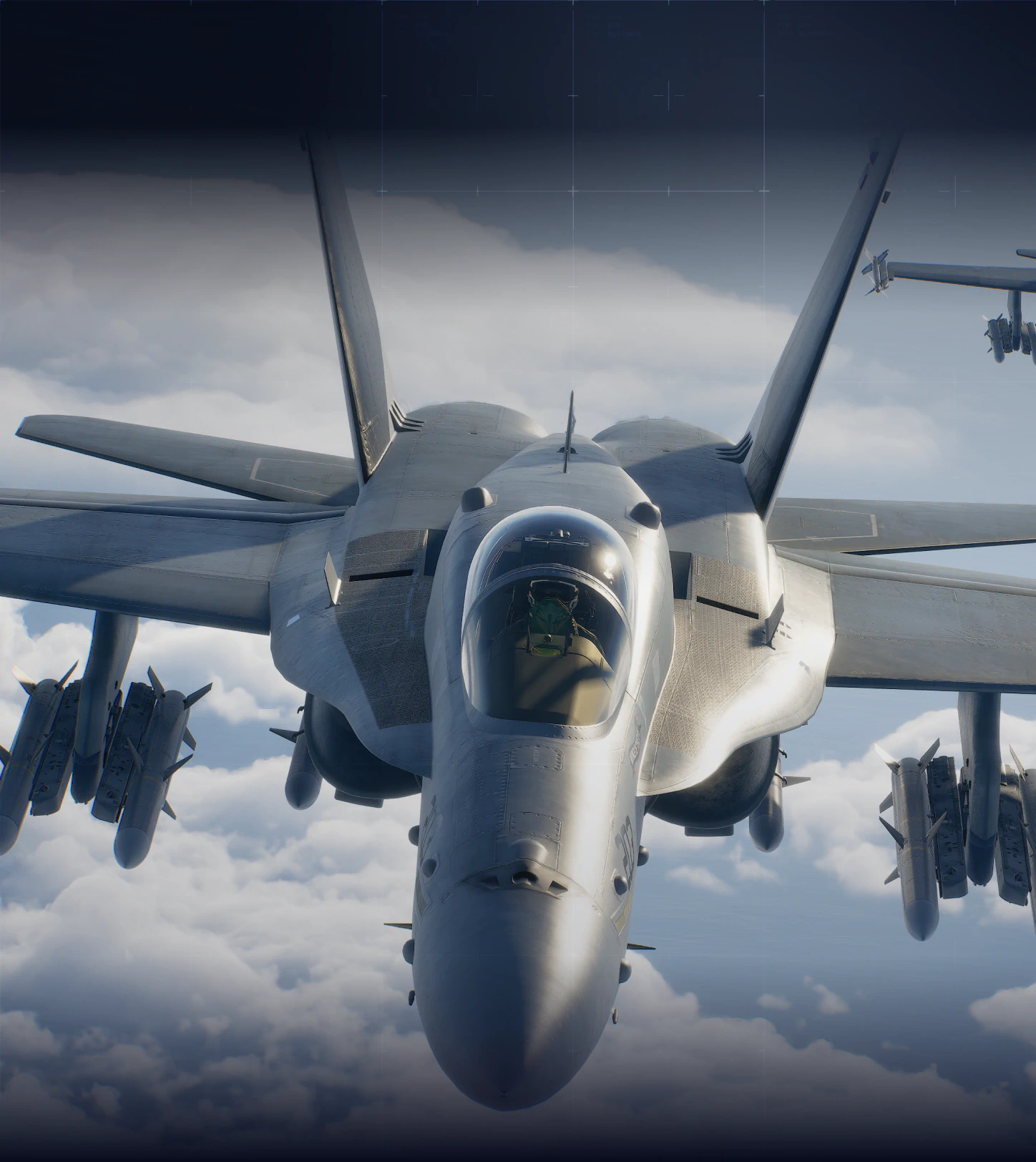
To make an Ace Combat 8 build, start with the target that can make the mission fail: a climbing UAV, threatened ground column, bomber wave, ship, or confined reactor approach. Choose an aircraft and special weapon that can address it, add parts that support that weapon, then cover the mission’s remaining phases with your standard weapons and wingmen.
The aircraft picker helps choose the airframe. This page turns that choice into a sortie plan. The examples are editorial starting points using published weapon availability, not a performance tier list.
Plan your squadron
The planner records Campaign sorties; the Online advice below is separate.
Build and share a Campaign flight plan
Campaign aircraft and wingmen only. Record the aircraft and equipment you plan to use, then check them in the game. This notebook does not configure the game. Wingman weapons are fixed by their assigned aircraft: record the preset you see, rather than choosing new weapons here.
Role-based candidates for your goal
F/A-18C Hornet · F/A-18F Super Hornet · Rafale M · F-35C Lightning II
Candidates use published roles. Confirm ownership, sortie restrictions, and every wingman preset on screen.
Published roles in your plan
Not selected
Role counts are a check of this roster, not a damage score or proof that the observed weapons fit the targets.
The saved plan stays in this browser. Anyone with the share link can read the included notes. No game save is read or changed.
Use the planner to give each aircraft a purpose before launch. Avoid assigning every member the same narrow task when the briefing calls for both air and surface targets. Confirm each selection in the actual Hangar: ownership, mission restrictions and unlocked weapons decide what you can take.
For Campaign wingmen, use the wingman weapon guide to choose aircraft by the fixed special-weapon package shown in game. Record that preset; the planner does not reconfigure wingman weapons.
Starting builds by objective
| Objective | Aircraft and weapon candidate | How to use it |
|---|---|---|
| Early mixed Campaign sortie | F/A-18C with UGB or LASM | Choose bombs for ground targets or LASM for ships; retain standard missiles for aircraft |
| Intercept several airborne targets | F/A-18C with 4AAM | Line up a formation, complete useful locks, and switch promptly after kills |
| Persistent air-to-air pressure | F-22A with QAAM or 4AAM | Choose a dogfight option or formation interception to match the enemy wave |
| Late mixed surface mission | F-35C with LACM or 8AGM | Choose the surface weapon for the target layout, with standard missiles for air threats |
| Electronic support | EA-18G as a support candidate | Check its available ESM/ECM options and assign support rather than expecting it to replace a strike aircraft |
The Hornet, Raptor and Lightning weapon sets above are published in the game-data snapshot for Steam build 25201480. Having a weapon in an aircraft’s set does not mean it is already unlocked on your save. If you have not enabled the relevant dual-special-weapon option, select the one weapon that best covers the decisive phase.
Match parts to the actual weapon
A part for standard missiles is not automatically a part for missile-type special weapons. Read the item’s full name and the affected weapon category before occupying an Arms slot.
For a standard-missile build, useful priorities include reload, guidance or payload. A special-missile build needs the corresponding air-to-air or air-to-ground special-weapon category. A bomb-focused build should use the bomb-specific category rather than an unrelated missile upgrade.
Use Body slots to address the approach you struggle with: acceleration between distant threats, controlled turns, or survivability. Use Misc slots deliberately. Drop Tanks consume a slot for appearance and do not replace a combat upgrade.
The game-data parts reference separates Body, Arms and Misc, and Campaign parts from Online parts. Check the current aircraft’s slot limits rather than copying a part count from a different mode.
Adjust the build for a mission transition
| Mission | Prepare for | Equipment decision |
|---|---|---|
| Mission 16 | Ship identification followed by UAV interception | Keep air-to-air ammunition after the search |
| Mission 25 | Ground support interrupted by twelve Shadows | Preserve a flexible air-to-air response and use the return line for ammunition |
| Mission 27 | Surface damage followed by a narrow reactor attack | Retain a precision shot and use an aircraft you can turn inside |
| Mission 28 | Bomber defense and the final Shadow engagement | Cover both formation interception and a close tracking fight |
A failed phase tells you what to change. If you run out of shots, adjust ammunition use or payload. If shots are available but repeatedly miss, fix the approach or guidance choice. If the plane collides inside Fatsia, adding more weapon damage does not solve the entry and turn.
Change one part of the plan, repeat the same mission and difficulty, and record the result in the mission notebook. Use your own comparable clears to decide what works for your controls.
Campaign and Online builds
Campaign aircraft purchases and weapons do not automatically transfer to Online. Online aircraft levels, parts and progression must be checked in that Hangar. Start an Online plan from the objective, your current level and available equipment, rather than copying the Campaign cost or assuming the same unlock state.
In cooperative play, agree which pilot will strike the required surface target, intercept interference or provide support. The official Online explanation assigns different roles to Fighters, Attackers, Multirole and Electronic aircraft; a balanced assignment is a useful starting point, not a guaranteed match outcome.
Sources and version scope
Checked October 15, 2026. Equipment availability uses an unofficial, version-bounded game-file reference. Build choices are recommendations; no site playtest or damage simulation is claimed.
- Bandai Namco walkthrough: aircraft, special-weapon and parts preparation.
- Bandai Namco Online mode: separate progression and aircraft roles.
- F/A-18C, F-22A and F-35C: published weapon sets for Steam build 25201480.
- Parts reference: equipment categories in the same data snapshot.