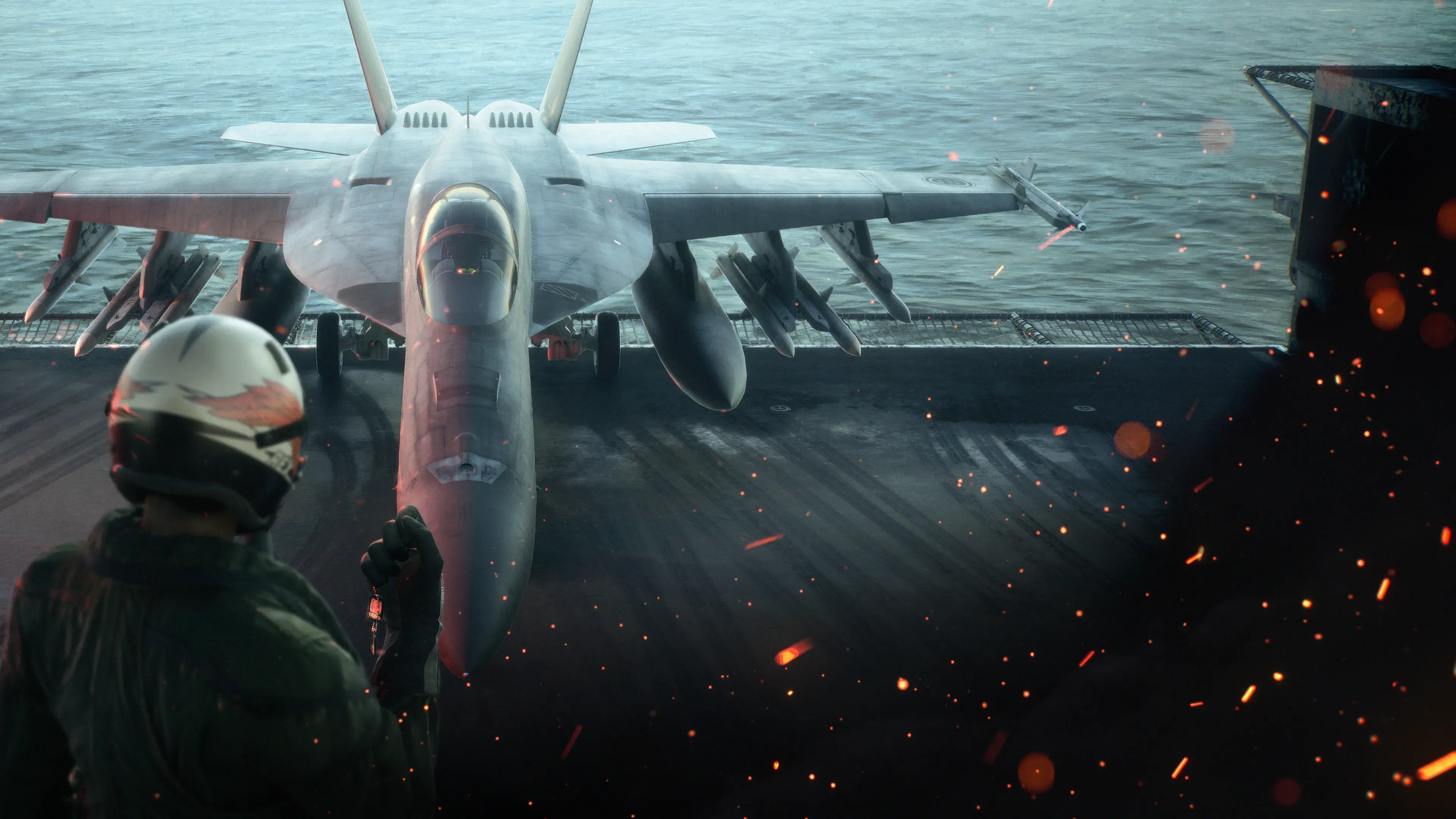
On PlayStation 5, hold L2 and R2 together while turning. On Xbox, first check the current acceleration and deceleration bindings. If those actions are assigned to RT and LT, their combined input is LT plus RT while turning. That Xbox mapping is a standard-layout inference, rather than an independently tested Xbox sequence. The two triggers combine the brake and acceleration inputs to produce the High G maneuver. Keep applying your turning input; pressing the triggers without directing the aircraft is not a complete turn.
Use High G turns in short, purposeful bursts. They tighten a turn at the cost of speed, so the second half of the maneuver is recovery: release the brake input when you have gained the angle you need, accelerate, and check that you have enough room to continue flying safely. Holding both triggers through an entire dogfight can leave you slow and make the next correction harder.
For keyboard, remapped controllers, or a flight stick, check the bindings displayed by your current configuration. This guide does not supply an unverified PC default key combination. Identify the game's acceleration, deceleration, and turning inputs before transferring the controller sequence to another device.
The controller sequence, step by step
Treat the maneuver as three connected actions: establish a turn, tighten it, and recover from it. Starting with that order prevents the common habit of squeezing both triggers and waiting for the aircraft to choose a direction.
- Find a clear turning direction and enough altitude for the maneuver.
- Begin turning toward the angle you want.
- Hold acceleration and deceleration together to tighten the turn.
- Watch your direction and speed while maintaining the turning input.
- When you have gained the required angle, release deceleration and return to acceleration as needed.
- Level or adjust the aircraft and reassess the target before committing to another turn.
The reason to release deceleration is practical: the extra turning effort consumes speed, and you need to regain energy for the next action. A High G turn that gets the target briefly into view but leaves you struggling to fly a useful follow up is an incomplete solution.
The trigger combination is the same whether you are trying to tighten an attack turn or change direction during an evasive maneuver. What changes is the direction you choose, when you stop tightening, and what you do afterward. Decide those things before holding the triggers for an extended period.
Expert controls: bank first, then pull into the turn
With Expert controls, left and right inputs roll the aircraft. A roll changes the direction in which the aircraft is banked; it is not, by itself, the complete turning action. To turn toward a target, establish the bank you need and apply pitch to bring the aircraft around.
For a right turn, bank right, then pull into the turn. Add the two trigger inputs while you are actually turning. For a left turn, bank left and repeat the same idea. Keep the aircraft's orientation in mind: the direction on the screen and the direction of your pitch input are not interchangeable when you are steeply banked or inverted.
A frequent source of confusion is excessive roll. The player keeps holding left or right while expecting the nose to track the target, but the aircraft mainly changes its bank. Reduce that roll input once the intended bank is established and concentrate on the pitch that creates the turn.
Practice this at a safe altitude with an easy visual reference. Make a normal banked turn first, then repeat the same direction using a brief High G input. Comparing those two attempts teaches the relationship between bank, pitch, and the trigger combination without asking you to solve a missile warning at the same time.
If you lose the horizon, release the aggressive turning input and regain a controlled orientation before starting another maneuver. A tighter turn does not compensate for losing track of where the ground is.
Standard controls: keep steering while holding both triggers
Standard controls make directional steering easier to interpret, but the High G sequence still requires a turn. Steer toward the direction you need and hold both triggers during that turn. Release the extra input when you have gained the angle you were seeking.
Do not treat Standard controls as permission to ignore speed and altitude. The aircraft still pays a speed cost for sustained High G maneuvering. A continuous turn can feel simpler to control while gradually removing the speed you need to separate, reposition, or climb away from terrain.
Use a short practice comparison here too. Steer through a normal turn, note how far the nose moves, then try the same steering direction with the trigger combination. Stop at a recognizable heading rather than holding the maneuver indefinitely. The useful skill is knowing when the tighter turn has done its job.
Choose the control style that lets you understand your aircraft's orientation and make repeatable inputs. Changing styles during a difficult encounter can introduce a second problem before you have understood the first. Learn the sequence in a controlled situation, then apply it under pressure.
Read speed and altitude before and after the turn
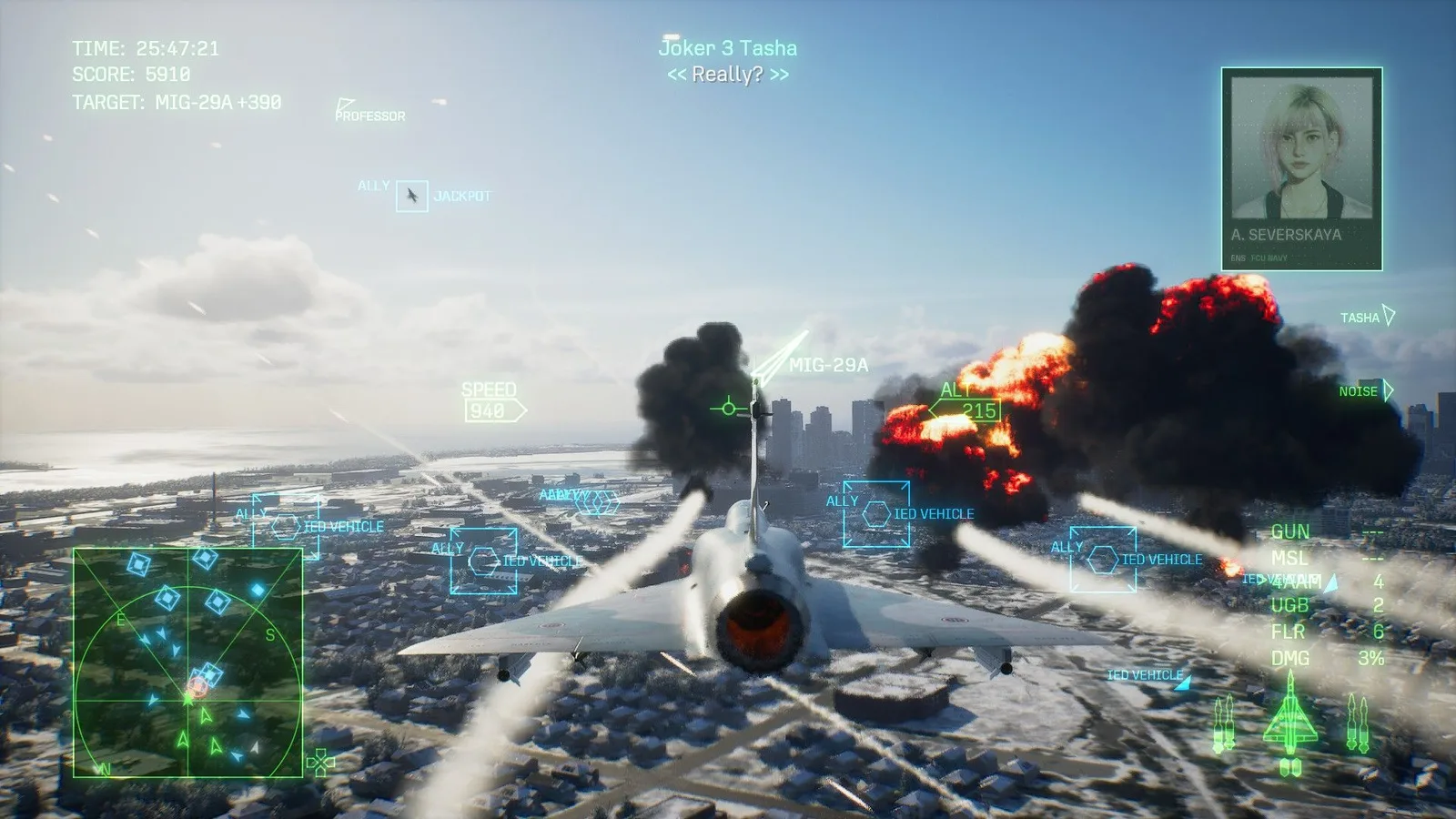
Use the speed and altitude readouts to judge your flight state. This image illustrates the HUD rather than a specific High G input.
Before a hard turn, check whether you have room to maneuver and enough speed to afford the loss. During the turn, use the HUD to see how quickly that speed is falling. After the turn, check altitude again, particularly if the nose moved below the horizon while you were following a target.
There is no universal speed number in this guide that guarantees a safe High G turn for every aircraft and situation. Aircraft, loadout, flight attitude, and the maneuver you attempt all affect how a turn feels. Use the readings in your current sortie rather than a numerical rule copied from a different aircraft or another ACE COMBAT game.
The useful question is whether you can still perform the next action. If you intend to climb after the turn, leave enough speed and altitude for that recovery. If you intend to attack, avoid turning so hard that you reach the firing position with little ability to adjust. If you intend to escape, stop chasing the target's circle and give yourself a direction in which to accelerate.
Watch for repeated speed loss across several maneuvers. One brief turn may be manageable; a chain of hard turns without recovery can produce a very different result. Insert a deliberate recovery interval instead of assuming that each new turn begins with the same aircraft state as the previous one.
Use the maneuver to create an attack opportunity
In a dogfight, a High G turn is useful when a tighter change of direction creates a better approach to the target. It does not make every immediately available shot a good shot. Once the target returns toward your forward view, consider its movement, your selected weapon, and the direction in which you will need to fly next.
A common unproductive pattern is to circle at maximum effort while the target keeps crossing outside the useful attack angle. The player loses speed without changing the geometry of the engagement. Break that pattern by recovering, changing your approach, and deciding where you want the target to be before committing to the next hard turn.
Use normal turning when it already does the job. Saving High G input for a meaningful angle change makes the maneuver easier to manage and leaves more speed available for later corrections. The goal is a usable attack position, not the tightest possible circle for its own sake.
After gaining the angle, avoid immediately beginning another full effort turn just because the target moves again. A brief adjustment may be sufficient. Check whether you are still within a useful approach before spending more speed.
Use High G deliberately when evading
A missile warning demands attention, but an endlessly held High G turn is not a guaranteed defense. First recognize the immediate threat, break off an attack when necessary, and choose an evasive direction with clear space. Use the tighter turn as one part of that response.
Countermeasures and movement solve different parts of the situation. If countermeasures are appropriate and available, use them deliberately while continuing to fly the aircraft. Do not assume that pressing the maneuver inputs removes the need to watch the warning, altitude, or surrounding terrain.
The direction of an evasive turn matters. Turning straight into terrain or toward another immediate hazard can turn a successful missile avoidance into a collision. Your first decision should include an escape path, followed by a recovery path after the threat passes.
Once the warning situation is resolved, release the extra turn input and restore a useful flight state. Continuing to circle while you are no longer solving the original threat drains speed and leaves you poorly positioned for the next one. Rebuild awareness before returning to the attack.
Troubleshoot a turn that feels wrong
The aircraft rolls but does not turn as expected. With Expert controls, establish the bank and then apply pitch. Holding a roll direction alone is not the same as pulling the nose through a turn. Practice the two actions separately until you can recognize which one is missing.
Both triggers are pressed, but the turn does not seem tighter. Confirm that you are also providing the turning input, then check whether your controller bindings still correspond to acceleration and deceleration. A remapped layout or another device should be checked in the current control settings.
The aircraft becomes slow after repeated attempts. Shorten the High G input and add a recovery period. Avoid treating one long continuous circle as a series of separate maneuvers; without recovery, each segment inherits the speed already lost.
You lose altitude while following a target. Check the horizon before starting the turn, and stop pursuing the target if your flight path leaves too little clearance. Begin practice high enough that a mistake is recoverable. A target marker should not become the only thing you watch.
You overshoot the heading you wanted. Stop the extra turning effort earlier. The maneuver should end when it has created the angle needed for your next action. A tighter turn is harder to use well if you never decide where it should finish.
A focused practice routine
Choose a situation where you can make several turns without simultaneously managing a demanding objective. Start level, note your speed and altitude, and select a visible direction change. Perform a normal turn first so you have a comparison.
Next, repeat that change with a brief High G input. Release deceleration as you reach the intended heading, accelerate, and settle the aircraft. Compare how the turn felt and how much recovery attention it required. The purpose is to connect the sharper turn with its cost, not to chase a particular numerical result.
Repeat in the other direction. With Expert controls, pay attention to whether your bank and pitch sequence is equally clear on both sides. With Standard controls, focus on ending the extra input at the chosen angle and returning to controlled flight.
Only after that sequence feels repeatable should you add a moving target or an evasive situation. Keeping the practice task narrow makes mistakes easier to diagnose: orientation, trigger input, turn duration, and recovery can be checked one at a time.
Keep the recovery in your plan
Remember the PS5 input pair: L2 plus R2 while turning. For Xbox, use the current acceleration and deceleration bindings; LT plus RT follows only when those are the trigger assignments. Remember the reason to stop: once the useful angle is gained, continued High G input keeps consuming speed. Release deceleration, accelerate as needed, and check your orientation and altitude before the next action.
A well executed High G turn leaves you in a better position and ready to use it. The recovery is part of the maneuver, so practice both halves together.