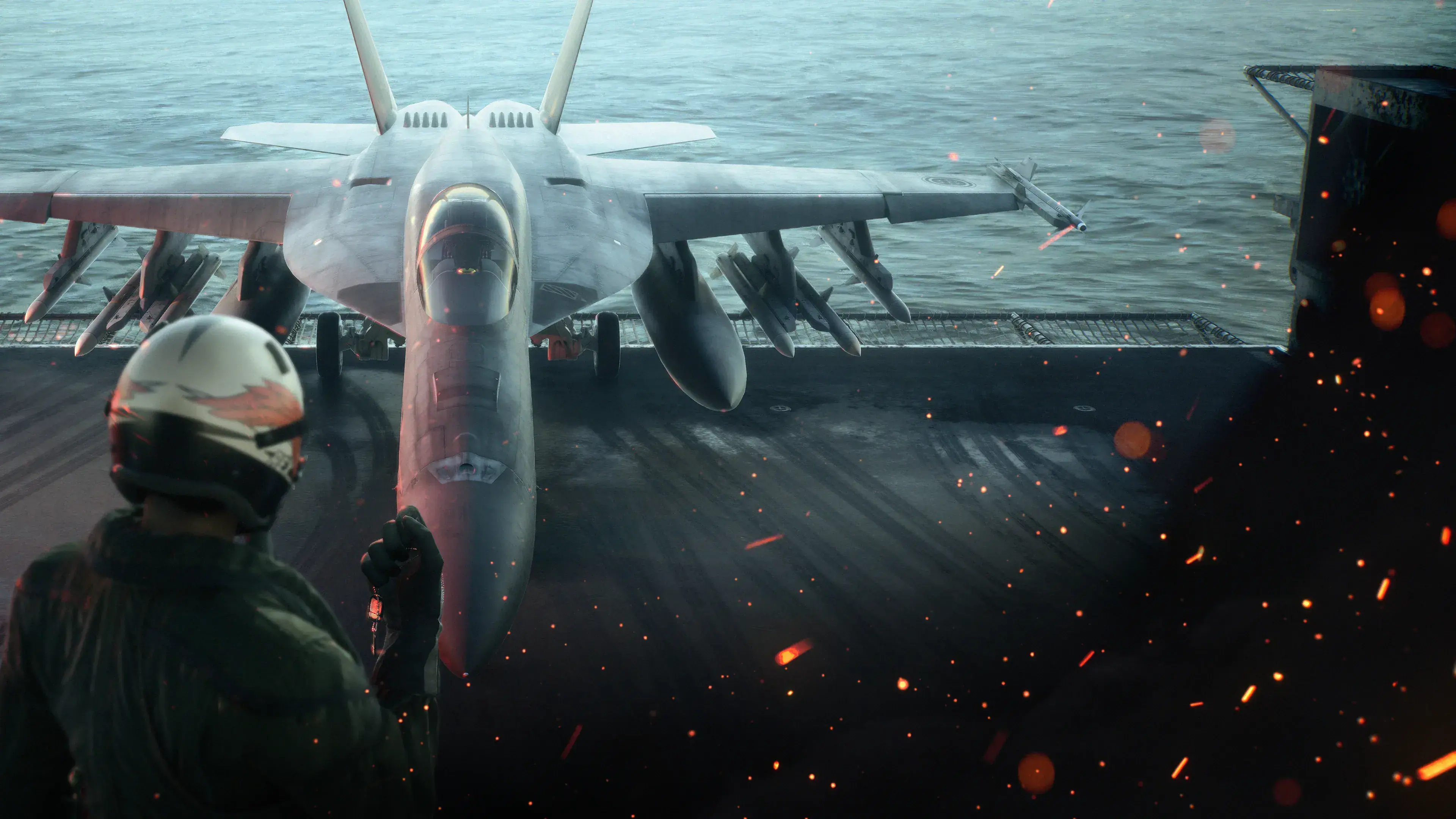
ACE COMBAT 8: WINGS OF THEVE is available on Steam for Windows PC. The Steam release date is October 1, 2026. The Standard Edition supplies the base game; the Deluxe Edition adds the Customizable Cosmetic Set and a Premium Ace Pass Plus voucher. The Steam listing also confirms single-player, online PvP, online co-op, cross-platform multiplayer, Steam Cloud, achievements, trading cards, HDR, Family Sharing, and full controller support.
Before buying, check three limitations. The PC version requires Windows 11, an SSD, DirectX 12 with Shader Model 6.6 or higher, and a graphics card with hardware ray tracing. Steam currently labels Steam Deck compatibility as Unsupported. The Steam and publisher listings show different storage figures, so use the live requirement shown in your Steam client when choosing an SSD and leave additional room for downloads and updates.
ACE COMBAT 8 on Steam at a glance
| Item | Steam version |
|---|---|
| Full title | ACE COMBAT 8: WINGS OF THEVE |
| Steam App ID | 2288340 |
| Developer | Bandai Namco Aces Inc. |
| Publisher | Bandai Namco Entertainment Inc. |
| PC release | October 1, 2026 |
| Base game modes | Single-player, online PvP, and online co-op |
| Network feature | Cross-platform multiplayer |
| Current online baseline | ACE COMBAT ONLINE Season 1 |
| Steam Deck rating | Unsupported |
| Controller status | Full Controller Support |
| Account features | Steam Cloud, 55 achievements, trading cards, and Family Sharing |
| Display feature | HDR available |
| Store model | Paid base game with in-app purchases and separately listed add-ons |
The campaign is a story-driven arcade flight combat mode with aircraft, weapons, parts, wingman commands, mission replay, and higher-difficulty challenges. ACE COMBAT ONLINE is separate from the campaign: it has its own progression and save data, so campaign aircraft and resources should not be treated as an online head start.
The online listing includes both cooperative and competitive play. Co-Op Assault has two teams of four fighting NPC forces for score, while Co-Op Warfare combines two four-player teams with active air, land, and sea NPC units. That does not mean the story campaign supports co-op. Cross-platform multiplayer applies to ACE COMBAT ONLINE.
What the Steam purchase includes
Buying either main edition gives you the base game. That covers the campaign and access to ACE COMBAT ONLINE; the online mode is not a separate free game. The game is a fast-paced flight shooter rather than a strict flight simulator. Missions combine air combat with attacks on ships, ground targets, and larger battlefield objectives, while your pre-mission choices determine the aircraft, special weapons, parts, and wingman setup you take into combat.
The Steam version also uses a third-party EULA, Denuvo Anti-Tamper, and Easy Anti-Cheat. Steam describes the anti-cheat as kernel-level and lists a limit of five different system activations within one day for Denuvo. Treat those as purchase conditions, especially if you frequently move between PCs or rebuild a system. The listing confirms the technologies but does not guarantee that every mode will work offline.
Standard Edition or Deluxe Edition
| Edition | Confirmed contents | Best fit |
|---|---|---|
| Standard | ACE COMBAT 8: WINGS OF THEVE base game | Players who want the campaign and normal access to ACE COMBAT ONLINE |
| Deluxe | Base game, Customizable Cosmetic Set, and Premium Ace Pass Plus voucher | Players who specifically want the cosmetic bundle and a premium pass entitlement with a 30-level skip |
The Deluxe Edition's three days of early access were a pre-release benefit. After launch, that benefit no longer gives a new buyer earlier access, so compare the remaining content rather than valuing the package as though the early period were still active.
The Premium Ace Pass Plus voucher can redeem one season of Premium Ace Pass content and is not locked to a specific season. It can therefore be saved for a later season. The Plus tier includes the Premium rewards and an immediate 30-level seasonal progression skip. The pass belongs to ACE COMBAT ONLINE's seasonal system; it should not be confused with campaign progression.
Customizable Cosmetic Set ownership
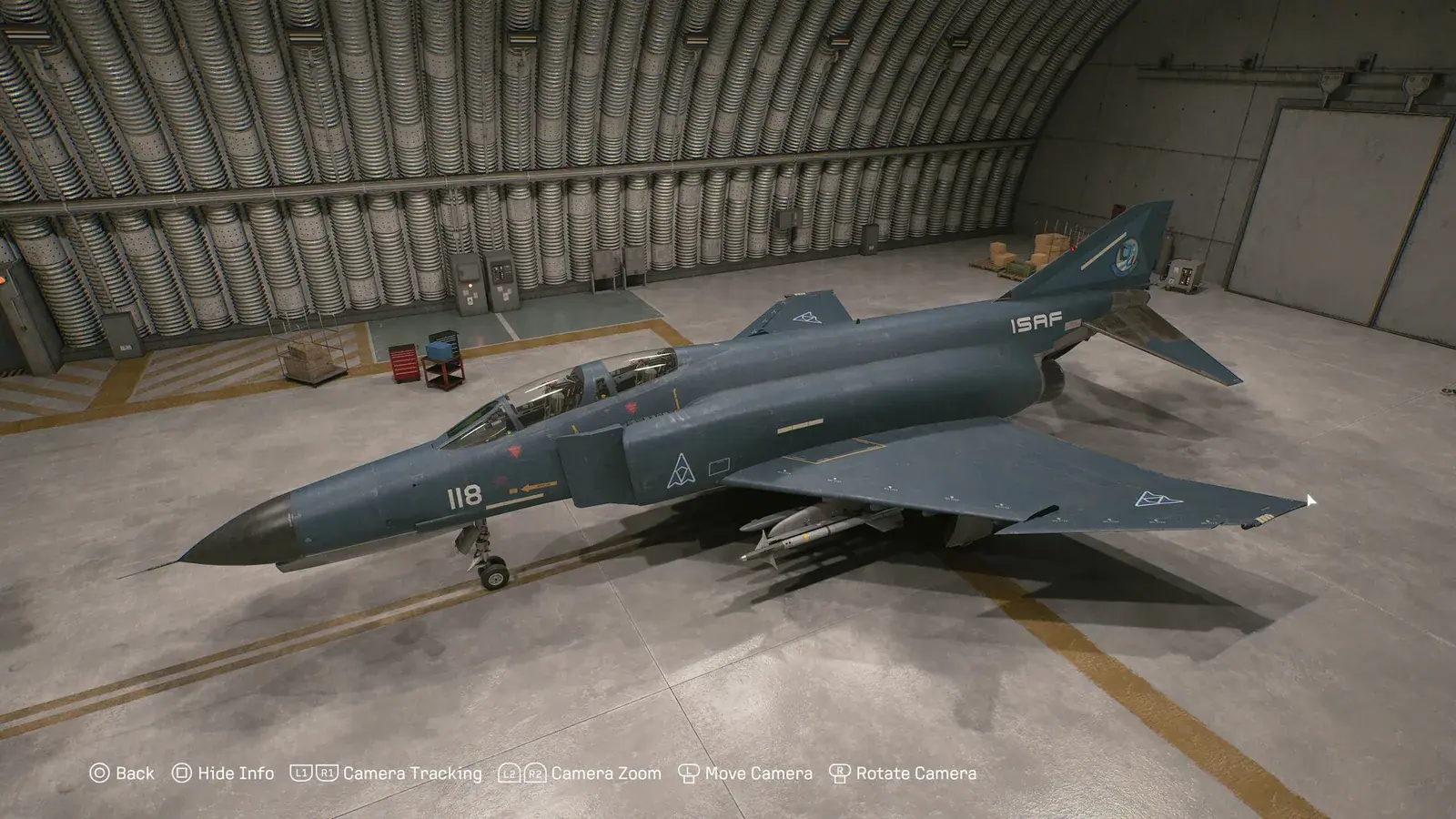
Official Steam DLC screenshot showing cosmetic-set content.
The Customizable Cosmetic Set is included in Deluxe and also sold separately on Steam. It lists aircraft skins rather than playable-aircraft licenses; the Tasha outfit and Scarlet missile smoke apply to ACE COMBAT ONLINE. Check the package name in your Steam receipt before buying a separate copy. The Deluxe Edition guide covers the complete item list and campaign restrictions.
Steam lists the F-14A as separate playable-aircraft content. Ownership of the base game alone does not prove you own that add-on. For historical preorder entitlements, including ACE COMBAT ZERO, use the preorder bonus guide and compare the purchase date and offer with your receipt.
PC requirements before you install
| Requirement | Minimum listing | Recommended listing |
|---|---|---|
| Operating system | Windows 11, 64-bit | Windows 11, 64-bit |
| Processor | Intel Core i7-10700K or AMD Ryzen 5 3600X | Intel Core i7-12700K or AMD Ryzen 5 5600X |
| Memory | 16 GB RAM | 32 GB RAM |
| Graphics | GeForce RTX 2060 6 GB or Radeon RX 6600 XT 8 GB | GeForce RTX 3070 8 GB or Radeon RX 6800 16 GB |
| DirectX | Version 12 | Version 12 |
| Drive type | SSD required | SSD required |
| Graphics prerequisites | Hardware ray tracing and Shader Model 6.6 or higher | Hardware ray tracing and Shader Model 6.6 or higher |
| Stated performance target | 1920×1080 with upscaling, 30 fps, Low | 1920×1080 with upscaling, 60 fps, Medium |
Those performance targets are estimates, not guarantees. The listing warns that frame rate can fall in graphics-intensive scenes. It also specifies upscaled 1080p, so the target should not be read as native-resolution performance.
Check the GPU model as well as its feature support. A card that appears numerically close to the listed models is not automatically suitable if it lacks hardware ray tracing or the required Shader Model. Confirm that Windows is 64-bit, the installation drive is an SSD, and the live Steam client shows enough free space before starting the download.
Install and launch through Steam
- Buy the edition whose receipt lists the content you actually want. If you choose Deluxe, confirm that the receipt names the Customizable Cosmetic Set and Premium Ace Pass Plus voucher.
- In the Steam Library, select ACE COMBAT 8: WINGS OF THEVE, choose Install, and select an SSD with enough free space for the current client estimate.
- Let Steam finish the base-game download and any selected add-ons. Check the game's DLC or properties view if you purchased separate content.
- Connect a supported controller before first launch if you plan to use one. Steam lists Xbox controllers, DualSense controllers, and DualShock controllers over USB.
- Select Play from the library and complete any first-run EULA, anti-cheat, or component setup shown by Steam.
- Choose Campaign for the single-player story or ACE COMBAT ONLINE for multiplayer. Remember that the two modes maintain separate progression.
These steps describe the normal Steam path, not a guaranteed fix for a failed launch. PC crash diagnosis, frame-rate tuning, HOTAS configuration, and mods are separate tasks because each needs its own device or error-specific evidence.
Steam features that affect how you play

Official Steam promotional artwork for ACE COMBAT ONLINE.
Steam Cloud is listed, but that label alone does not prove that every campaign and online value is interchangeable across modes or platforms. ACE COMBAT ONLINE explicitly keeps its progression separate from the campaign. Cross-platform multiplayer means Steam users can participate in the supported online pool with players on other platforms; it does not promise cross-platform ownership of the game or its paid content.
The store lists 55 Steam achievements and Steam Trading Cards. It also marks HDR as available, supports Family Sharing, and identifies in-app purchases. Those labels describe Steam-level features; they do not change the separation between campaign and ACE COMBAT ONLINE progress.
For conventional gamepads, the strongest confirmed statement is Full Controller Support. Xbox and DualSense controllers are listed, while DualShock support is marked USB only. That controller label should not be stretched into a claim about every flight stick. The publisher separately acknowledged that some configuration options available for certain devices in ACE COMBAT 7 were not available in ACE COMBAT 8, so a HOTAS-dependent buyer should verify the exact device before purchasing.
Steam Deck status
Steam labels ACE COMBAT 8 as Unsupported on Steam Deck. That status is the useful buying signal: do not purchase it for Deck on the assumption that it is Verified or Playable. “Unsupported” also should not be rewritten as a guarantee that no owner can ever reach the title screen, because the listing does not make that stronger claim.
The requirement for Windows 11, Denuvo, and kernel-level Easy Anti-Cheat adds reasons to be cautious about unsupported portable or compatibility-layer setups. No future Deck update or timetable is confirmed. If Deck is your only intended device, wait until Steam displays a different compatibility result.
Verify your edition and missing content
Use ownership records before troubleshooting inside the game:
- Open the Steam purchase receipt and note whether it says Standard, Deluxe, the standalone cosmetic set, or the F-14A add-on.
- Open the game in your Library and review its installed add-ons or DLC properties.
- Compare the names with the confirmed edition contents above. The cosmetic set lists skins rather than playable-aircraft licenses, and the online-only Tasha outfit or Scarlet missile smoke will not appear as campaign content.
- If you own the Deluxe Edition, avoid purchasing the Customizable Cosmetic Set a second time.
- If you have an older pre-order receipt for ACE COMBAT ZERO, preserve that receipt and check the actual library presentation. Do not infer that it must already be a standalone application.
- If the receipt proves ownership but Steam does not expose the entitlement, use the receipt details when contacting Steam support.
This sequence separates a purchase problem from an in-game progression problem. It also prevents the most common ownership mistake: buying a second copy of content already bundled with Deluxe.
Is the Steam version the right choice
Choose the Steam version if your PC meets the stated Windows, SSD, DirectX, Shader Model, and hardware-ray-tracing requirements, and you want the campaign, Steam account features, or cross-platform ACE COMBAT ONLINE. Standard is the simpler purchase when you do not specifically want the cosmetic set or Premium Ace Pass Plus voucher.
Pause before buying if Steam Deck is your main device, if your GPU lacks the required graphics features, or if a particular HOTAS configuration is essential. Also review Denuvo, Easy Anti-Cheat, the activation limit, and in-app purchases as part of the decision. These are confirmed parts of the Steam package, not optional assumptions to discover after installation.