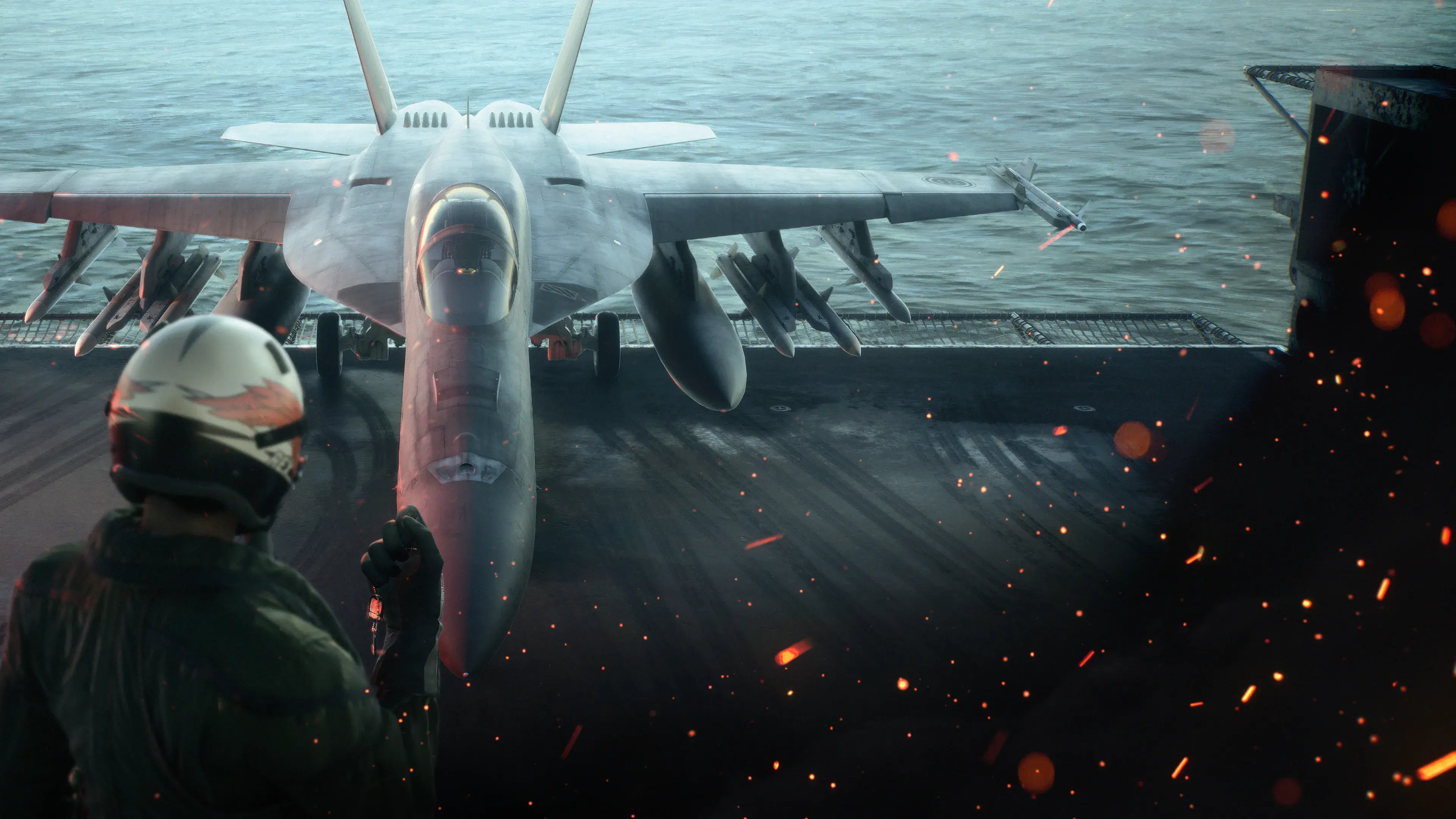
To get aircraft blueprints in Ace Combat Online, select the aircraft in the Online Hangar and inspect its next cap-increase requirement. Aircraft-specific blueprints can be bought through the selected aircraft’s Store route with ZOLL. If the panel also asks for General Purpose Upgrade Blueprints, obtain that separate item from the relevant Online rewards; it does not replace the aircraft-specific requirement.
Finish the transaction by checking every material line, applying the cap increase, and then earning aircraft XP toward the new cap. Campaign MRP and Aircraft Tree purchases belong to a different progression system.
Identify the missing requirement
| Requirement shown | What it means | Action |
|---|---|---|
| Blueprint for a named aircraft | Material for that exact model or variant | Open its Store route and match the name before buying |
| General Purpose Upgrade Blueprint | An additional cap-increase material | Check the General Purpose blueprint sources and planner |
| ZOLL | Online currency required by the displayed transaction | Retain enough for the purchase and cap increase |
| Aircraft level or another condition | A separate eligibility line | Follow that panel rather than inferring another aircraft’s requirement |
Write down the target aircraft, current level and cap, required item counts, inventory counts and ZOLL charge. That gives you a concrete shortage to solve instead of treating every upgrade problem as a blueprint drop problem.
Buy the matching aircraft blueprint
The linked F-14D player conversation documents this route: a pilot had the broader blueprint item, but the cap-increase button remained grey because an aircraft-specific blueprint was still missing. The selected aircraft’s Store shortcut exposed the matching purchase.
- Select the aircraft in the Online Hangar.
- Open its next upgrade or cap-increase panel.
- Follow the displayed Store shortcut from that aircraft.
- Compare the blueprint’s model name with the missing requirement.
- Check the current ZOLL price and quantity, then buy the shortage you intend to cover.
- Return to the same aircraft and verify that its inventory line changed.
The PC player reported an F1 prompt. Use the prompt shown on your own platform and bindings rather than treating that key as universal.
Do not buy a related variant merely because it belongs to the same aircraft family. A matching purchase resolves one material line; it does not automatically pay another blueprint or currency requirement.
Get General Purpose blueprints and check the allowance
General Purpose folders are handled separately from the aircraft-specific Store purchase. Check offered special missions, reached Ace Pass tiers, Challenges and the mailbox. Before repeating a special mission, inspect the reward allowance on its mode screen.
The dedicated General Purpose Upgrade Blueprints guide covers the reported shared daily limit, reset and an inventory planner. Use that page when this is the missing line. Use the Emergency Sortie guide for the offer and boss objectives.
Fix a greyed-out upgrade
| What you see | What to check |
|---|---|
| General Purpose item owned, button grey | Aircraft-specific blueprint, ZOLL and remaining eligibility lines |
| Matching aircraft blueprint owned, button grey | General Purpose shortage and the upgrade charge |
| Purchase completed but requirement unchanged | Reopen the same aircraft and confirm the exact variant and claimed quantity |
| Cap increased but aircraft level unchanged | The cap and earned aircraft XP are different; fly the aircraft to raise its level |
| MRP or Campaign nodes instead of ZOLL and levels | Switch to the Online Hangar |
If every displayed line is satisfied and the action remains unavailable, keep screenshots of the complete panel and inventory. Include the exact aircraft variant and client build in a support report if the game supplies it.
Keep Campaign progression separate
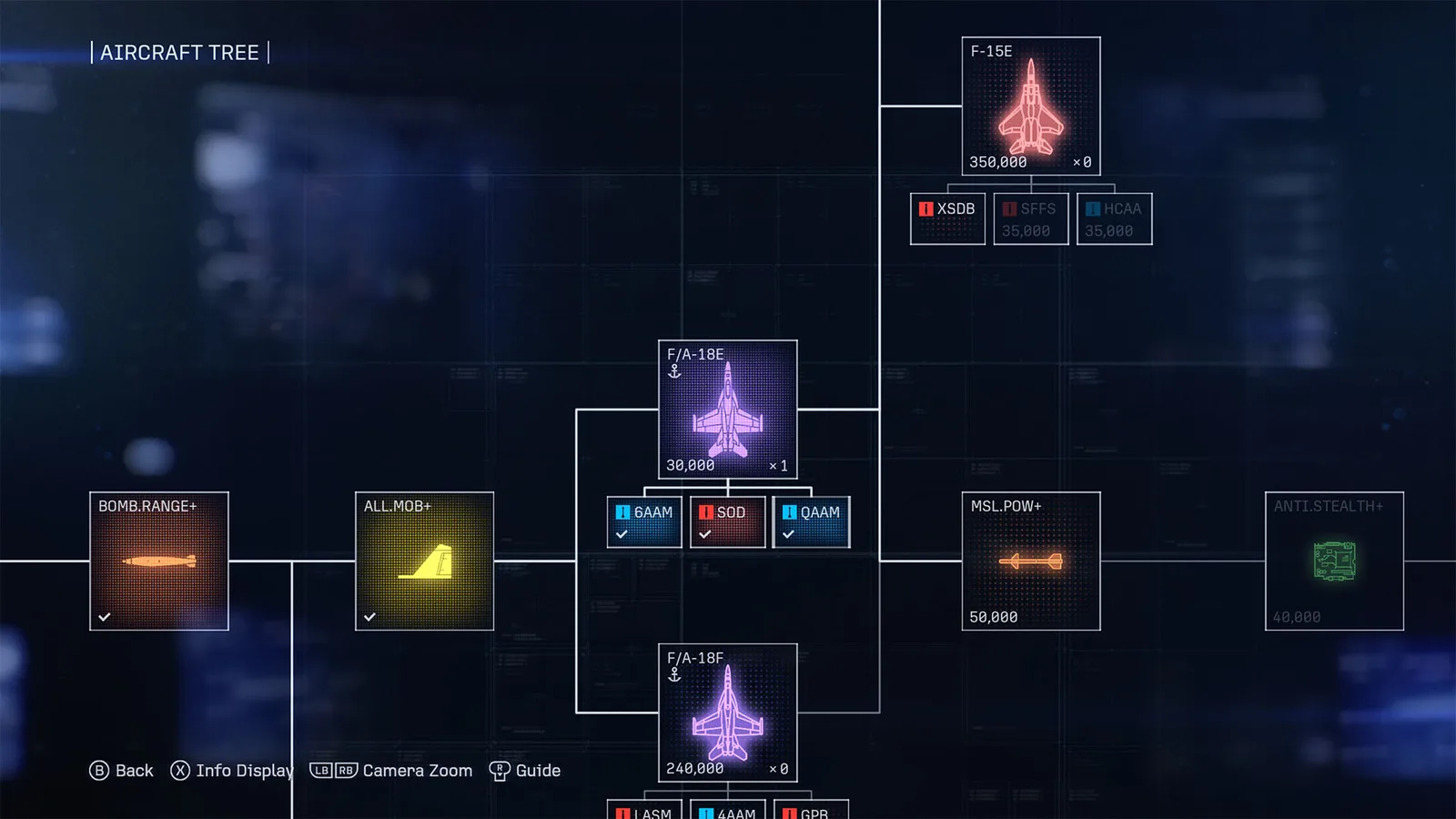
This is the Campaign Aircraft Tree. Its MRP purchases do not satisfy Online blueprint requirements.
Campaign replays can earn MRP for Campaign aircraft, weapons and parts. Online has its own acquisition, aircraft levels and resources. Before choosing a farming activity, make sure the screen you are trying to improve belongs to that mode.
Sources and version scope
Checked October 15, 2026. Store routing is attributed to a player report; item quantities and prices are read from the current aircraft panel.
- Bandai Namco Online mode: independent progression and aircraft leveling.
- F-14D aircraft-level discussion: aircraft-specific blueprint requirement and Store shortcut.
- Plasmapause blueprint guide: broader reward sources, covered in the linked General Purpose guide.
Plan the upgrade shown in your Hangar
Blueprint requirement planner
Copy every requirement from your current Online Hangar. This planner calculates only the material and upgrade-ZOLL gaps you enter. It does not predict drops or unlock the aircraft.
What is still missing
- Aircraft-specific blueprint
- Not entered
- General Purpose / exact material name
- Not entered
- ZOLL shortfall for this upgrade
- Not entered
This is a snapshot of your inputs. A zero gap does not confirm eligibility or make the in-game button available. Check all other conditions and the current panel.
Stored only in this browser. Import and export record your plan; they do not read or change the game save.
Import a plan
Enter the exact blueprint names, requirements, inventory and ZOLL from your current upgrade screen. Blank values remain unknown; the tool does not estimate drops or purchase recipes.